

Turn images and references into cinematic videos with synchronized audio using Vidu Q4 Preview.
Vidu Q4 AI Video Generator
Bring Characters, Voices, And Cinematic Stories Together
Create expressive scenes from one image or a reference collection. Vidu Q4 AI Video Generator combines character performance, visual direction, and synchronized sound. Use Vidu Q4 Preview on SeeVideo for portraits, short dramas, product advertising, and cinematic movement. Upload your material, describe the scene, and choose suitable output settings.

How To Create With Vidu Q4
Vidu Q4 AI Video Generator offers Image to Video and Reference to Video on SeeVideo. Choose your starting material, describe a focused sequence, then review and download the completed result.

Upload Your Image Or References
Choose Image to Video for one clear starting picture, or Reference to Video for a collection of character, product, scene, and style images. Vidu Q4 AI Video Generator also accepts optional MP3 reference audio in the reference workflow. Keep each reference relevant and recognizable.

Enter Your Prompt And Generate
Describe the action, expressions, camera movement, scene details, and sound you want. Select the available duration and resolution, review Generate Audio and the required credits, then click Generate Video. Give Vidu Q4 AI Video Generator one clear narrative direction before adding more complicated shots.

Download Your Video
When generation finishes, preview the result and use Download to save your video. Check faces, hands, movement, cuts, and sound together. If the scene needs refinement, adjust one instruction or reference at a time in Vidu Q4 AI Video Generator and create another version.
Direct Cinematic Scenes With Vidu Q4
Vidu Q4 AI Video Generator combines visual references, expressive animation, and synchronized audio. Images illustrate concepts, not verified model outputs.

Vidu Q4 Multi-Image Reference For Consistent Characters
Vidu Q4 AI Video Generator combines references for characters, products, settings, and style. The model supports up to 15 images and three voice references; SeeVideo accepts images and MP3 audio. Use consistent identity and wardrobe references, direct clear gestures and reactions, then review character continuity across shots. Vidu Q4 pursues consistency.

Vidu Q4 Smooth Motion And Intelligent Camera Switching
Animate a starting image with Vidu Q4 AI Video Generator. Describe subject movement, camera direction, and environmental changes. Vidu Q4 supports smoother action and intelligent camera switching for multi-shot scenes. Keep each beat readable, motivate every cut, and review limbs, contact, and transitions in the finished clip. Give Vidu Q4 one focused narrative direction.

Vidu Q4 Product Detail With Native Audio-Video Generation
Build product scenes with Vidu Q4 AI Video Generator using clear references, material details, and directed lighting. Enable Generate Audio for synchronized sound, or add up to three MP3 voice references in reference mode. Review vocal timing, mouth movement, product geometry, and identifying details before finishing your advertisement. Connect audible events to visible actions.

Vidu Q4 Cinematic Visual Effects In 2K And 4K
Create smoke, particles, and energy effects with Vidu Q4 AI Video Generator. Guide Vidu Q4 by describing how effects interact with the scene. SeeVideo offers 540p through 4K and 3–16 seconds in both modes. Test staging at lower resolution, review visual continuity, and assemble connected clips for longer stories. Let light and pacing support the story.
Creative Uses For Vidu Q4 AI Video Generator
Vidu Q4 helps filmmakers, creators, and marketers develop short visual sequences. Define your audience and central moment, then prepare relevant references. These workflows support focused creative exploration; results vary with the material, prompt, and settings.

Vidu Q4 Film Storyboards And AI Short Dramas
Explore a scene before production with Vidu Q4 AI Video Generator. Establish characters, a location, and one dramatic beat, then test camera distance and emotion. Multi-reference guidance can help recurring characters stay recognizable across shots. Review continuity, dialogue timing, and emotional transitions before assembling the sequence.

Vidu Q4 Product Advertising And Brand Marketing
Develop campaign concepts with Vidu Q4 AI Video Generator using a clear product reference and brand-appropriate setting. Direct motion toward a useful detail, such as light crossing glass or fabric. Compare the result with the source product, then shape a concise story around one benefit and a readable ending.

Social Media And Music Performances
Create a strong opening and expressive action with Vidu Q4 AI Video Generator. Give social clips an immediate subject and clear change. For music concepts, describe posture, expression, sound, and vocal character where appropriate. Focus on one performance beat, review timing, then finish captions or platform-specific edits in your usual workflow.

Character Animation And Visual Storytelling
Develop character through gestures, eye contact, and reactions with Vidu Q4 AI Video Generator. A hesitant smile or deliberate turn can convey personality. Combine identity, location, and style references, then describe the response to the environment. A clear viewpoint helps expressive animation and cinematic atmosphere support the same story.
Creative Perspectives On Vidu Q4
Fictional perspectives illustrate priorities for Vidu Q4 AI Video Generator. Names and comments are examples, not verified testimonials or performance claims.
Clear reactions and motivated camera changes help me judge a scene’s emotional direction.
Clear reactions and motivated camera changes help me judge a scene’s emotional direction.
Restrained movement reveals materials beautifully while keeping the product easy to recognize.
Restrained movement reveals materials beautifully while keeping the product easy to recognize.
Expressive gestures give social clips purpose. Focused openings make the direction easier to evaluate.
Expressive gestures give social clips purpose. Focused openings make the direction easier to evaluate.
Readable faces, consistent wardrobe, and screen direction matter when comparing storyboard angles.
Readable faces, consistent wardrobe, and screen direction matter when comparing storyboard angles.
Relevant references connect a product with its setting, audience, and campaign mood.
Relevant references connect a product with its setting, audience, and campaign mood.
Posture and eye contact communicate character, helping me choose an animation direction.
Posture and eye contact communicate character, helping me choose an animation direction.




Vidu Q4 AI Video Generator FAQ
Find answers about the preview model, SeeVideo settings, references, audio, output quality, and generation costs.
Vidu Q4 Preview introduces Vidu’s next-generation flagship video model, identified in the official API as viduq4-preview. It focuses on expressive characters, synchronized audio-visual output, and intelligent camera switching. SeeVideo lists it as Vidu Q4 and offers Image to Video and Reference to Video. Preview capabilities may evolve.
Image to Video uses one picture to anchor the subject and composition. Reference to Video combines images for identities, products, settings, or style, plus optional audio. In Vidu Q4 AI Video Generator, choose a single image for a focused animated shot or references for a scene combining several elements.
The official model supports 1–15 images and up to three voice references. SeeVideo’s uploader shows 18 total media positions and accepts JPEG, PNG, WebP, and MP3. This does not mean 18 images. In Vidu Q4 AI Video Generator, respect the separate image and audio limits and current uploader validation.
SeeVideo currently offers 3–16 seconds and 540p, 720p, 1080p, 2K, or 4K in both modes. Use Vidu Q4 AI Video Generator for a concept draft or higher-resolution presentation. Choose settings for your intended use and review Required Credits, since duration and resolution can change the cost.
SeeVideo provides a Generate Audio switch and accepts MP3 references. Native audio-video generation creates sound with the visuals; voice references guide identity and expression. In Vidu Q4 AI Video Generator, specify the speaker, emotion, and important environmental sounds. Review vocal delivery, lip movement, and timing in the result.
SeeVideo displays Required Credits before submission. Previously observed examples were 60 credits for a five-second setup and 768 for 16 seconds at 4K with audio. These are examples, not fixed prices. Check the live counter in Vidu Q4 AI Video Generator for your settings and account plan before generating.
Choose clear references with consistent faces, clothing, and details. Describe one main action and a supporting camera path. For multiple shots, specify the event order and avoid conflicting instructions. Vidu Q4 AI Video Generator pursues continuity and smooth motion, but review faces, hands, contact, and transitions before finishing.
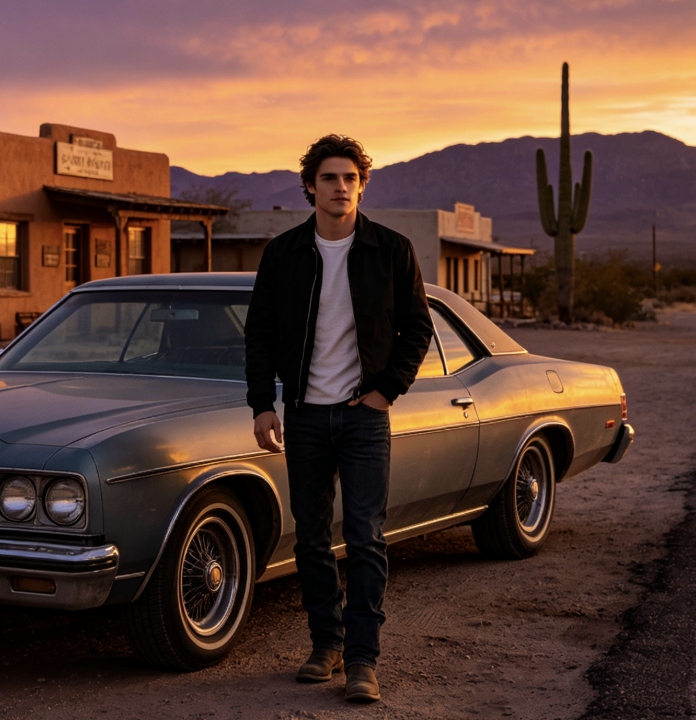
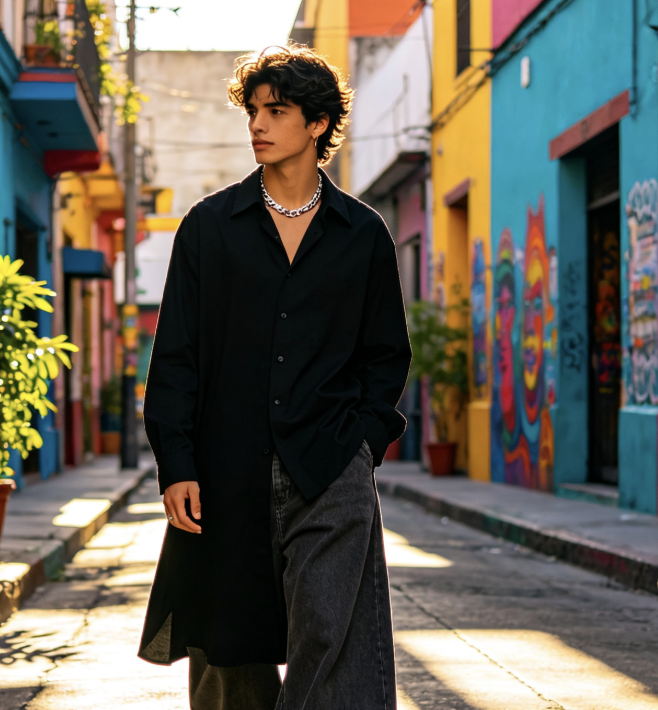
These images are AI-generated concept illustrations, not verified outputs or benchmark evidence from Vidu Q4. Results depend on your materials, prompt, settings, and model behavior. Use the gallery for inspiration, then assess your own video’s subject accuracy, motion, audio timing, and suitability for its audience.
Create Your Next Scene With Vidu Q4
Bring your images, references, and story idea to Vidu Q4 AI Video Generator. Explore expressive characters, synchronized sound, natural motion, and cinematic effects. Choose your settings, check the credits, and create a video to review and refine.
